






LottoStar Aviator – Cash Out Big Wins
LottoStar is one of the most popular choices of gambling platforms among hundreds of users from South Africa. It offers different services, such as a good variety of casino games and sports betting markets. There is a special opportunity to play Aviator here. This game has some peculiarities on this platform. In this article, you can find them.

LottoStar Aviator Review
The brand becomes more popular every day. This platform has a wide range of advantages. One of them is that users from South Africa can play Aviator. There are some points about the platform and the game that you should know. All of them are presented in the table below.
| Year of Foundation | 2014 |
| License | Mpumalanga Economic Regulator |
| Company | LottoStar |
| Available for Users from South Africa | Yes |
| Supported Languages | English, Zulu, Sesotho, Xhosa |
| Currency | ZAR |
| Mobile App | Yes |
| Min/Max Bet in Aviator | 2 ZAR/1,800 ZAR |
| Bonuses | Registration bonus of 100% up to 10,000 ZAR |
| Payment Methods | Visa, Master Card, PayPal, Ozow, OTT Voucher, Kazang, EasyLoad, MTN |
| Minimum Withdrawal | 50 ZAR |
| Welcome Bonus | A bonus of 100% up to 10,000 ZAR |
| Service | Sports betting, live betting, live casino games, Aviator |
| Providers | Spribe |
| Customer Support | 24/7 live chat on the website, email [email protected], telephone number 0860267777 |
You can also enjoy flexible payment limits, possibility to play Aviator, and fast access to the customer support. But there are some disadvantages, such as the long registration process and complicated navigation on the website.
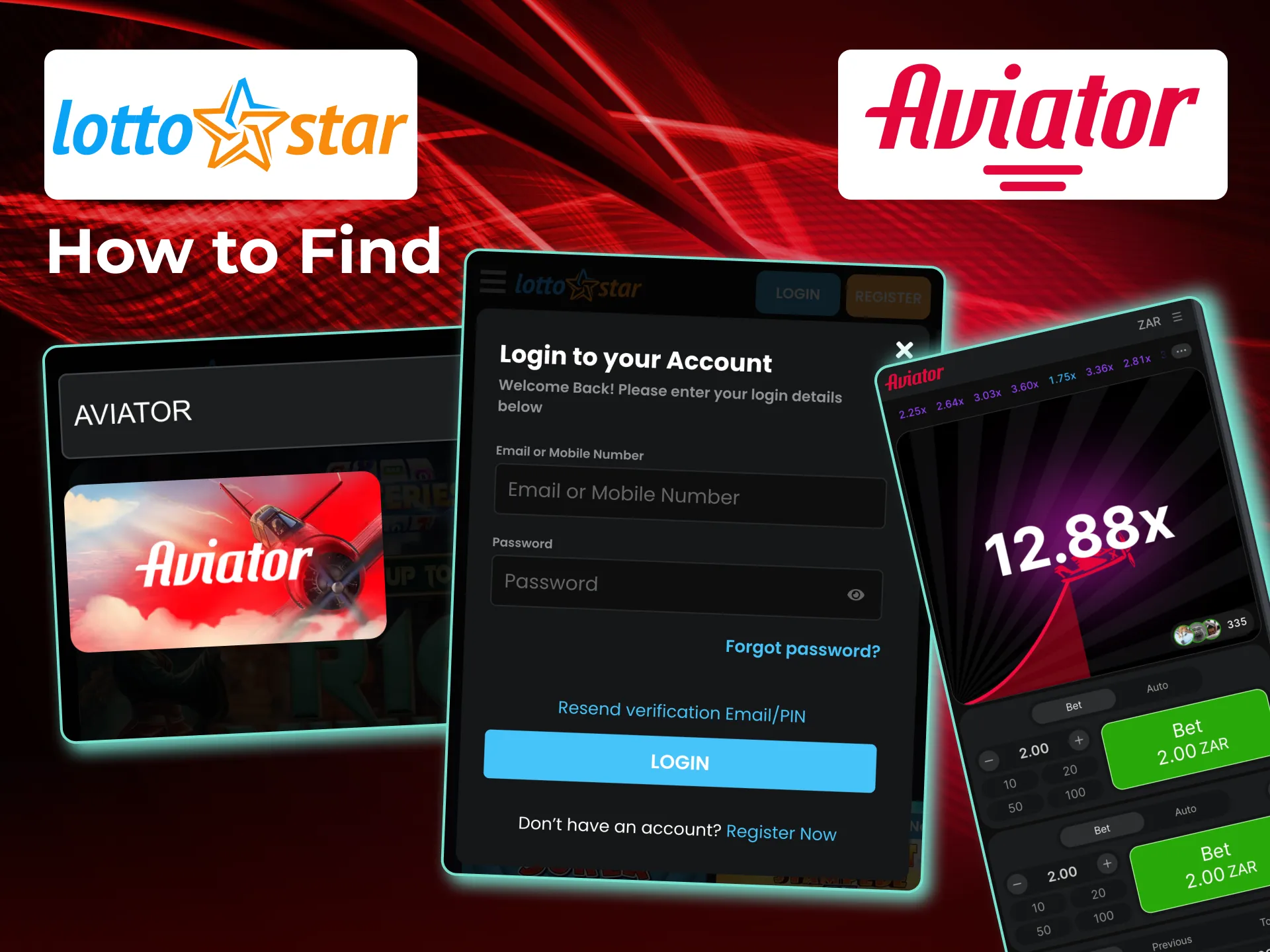
How to Find the Aviator Game on the LottoStar Site?
There is an inconvenient interface on the website, and sometimes it is hard to find the necessary game. To do it, you need to enter the name Aviator on the search window. On the opened page, you can click on the necessary game and enjoy it
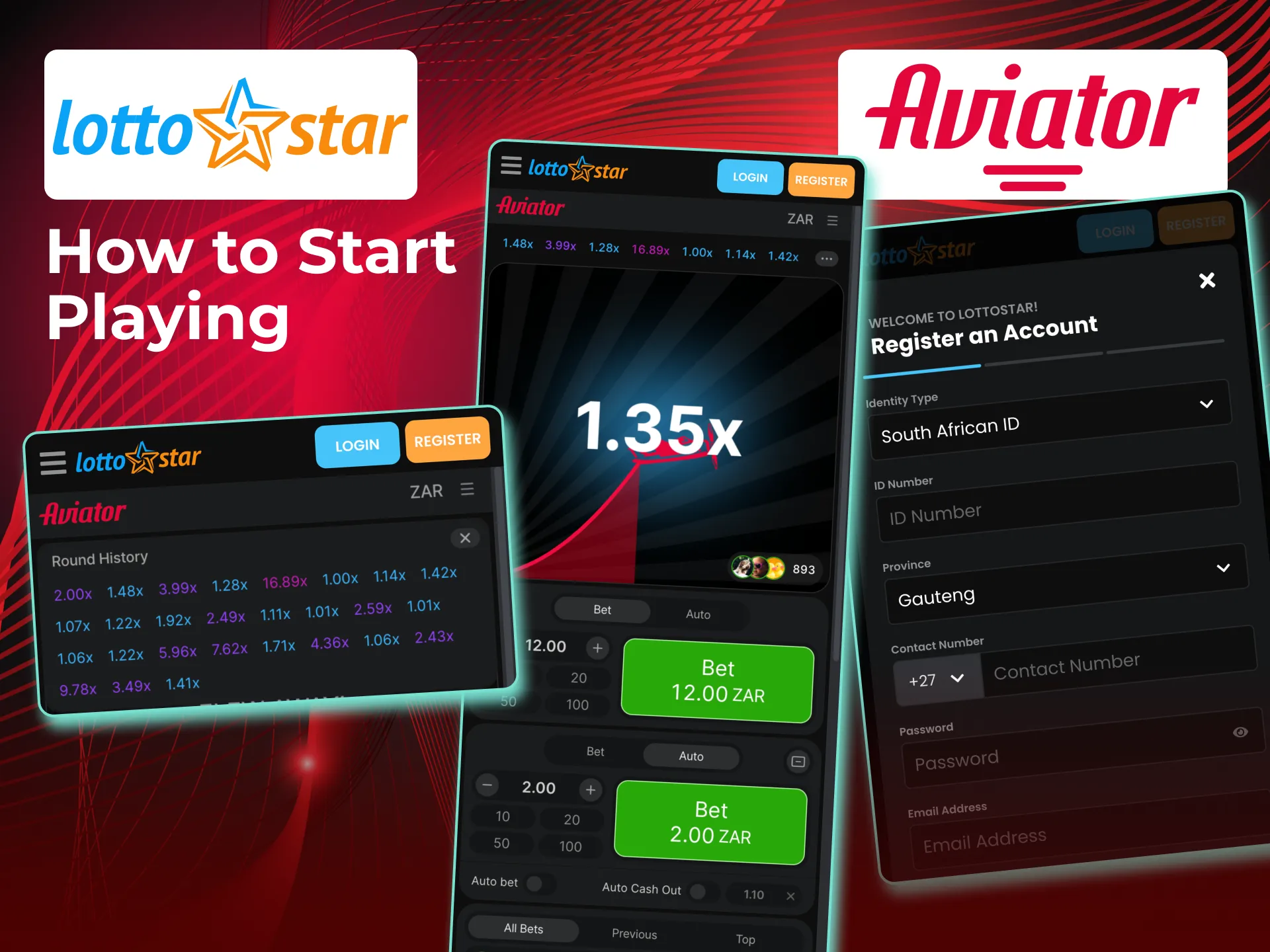
How to Start Playing Aviator on LottoStar?
All new players can easily play Aviator on the platform, but to avoid some problems during the process, you need to follow certain steps:
- Make a sign-up on the website. You can register on the platform by entering the necessary personal data and creating a password.
- Make a deposit. You need to make a deposit by using the most convenient payment options presented on the website.
- Find the game. Go to the casino tab and click on Aviator.
- Place a bet. To start the game, you need to make a bet.
- Finish the procedure. Confirm the bet and enjoy the process.
Register to Play LottoStar Aviator
The first step to play Aviator is a registration on the platform, and to do it correctly, you need to follow some instructions:
1
Navigate to the Platform
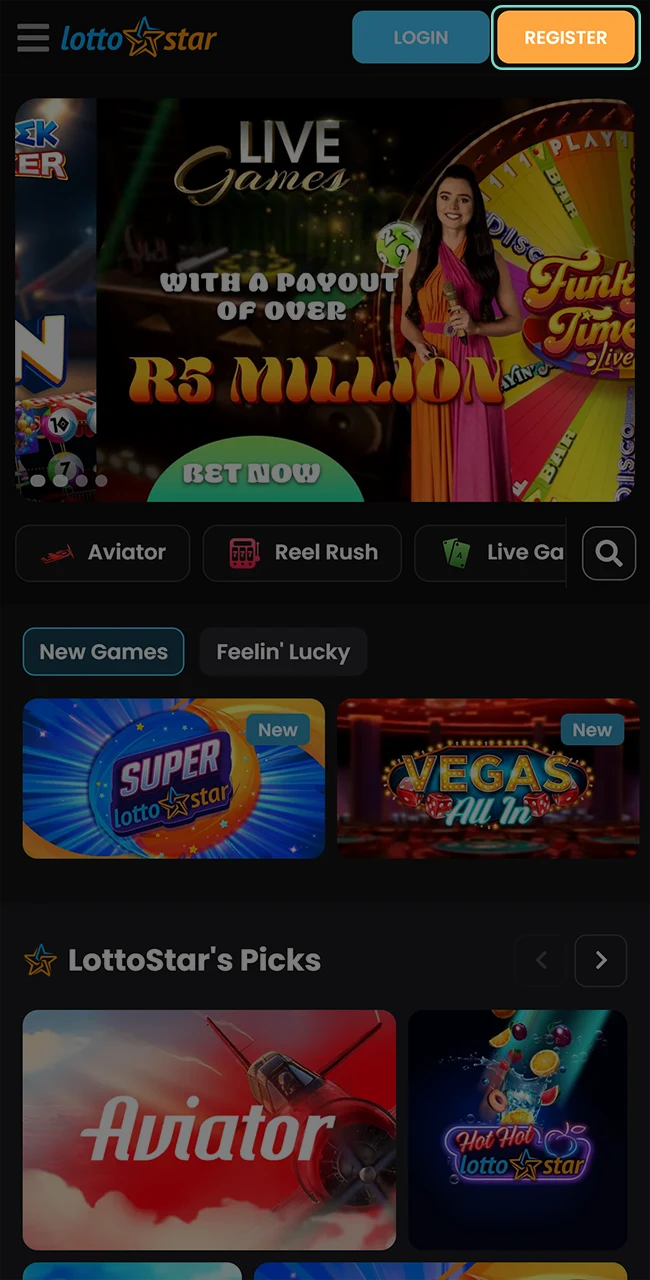
Go to the official website and click on the button in the top right corner.
2
Fill In the Information
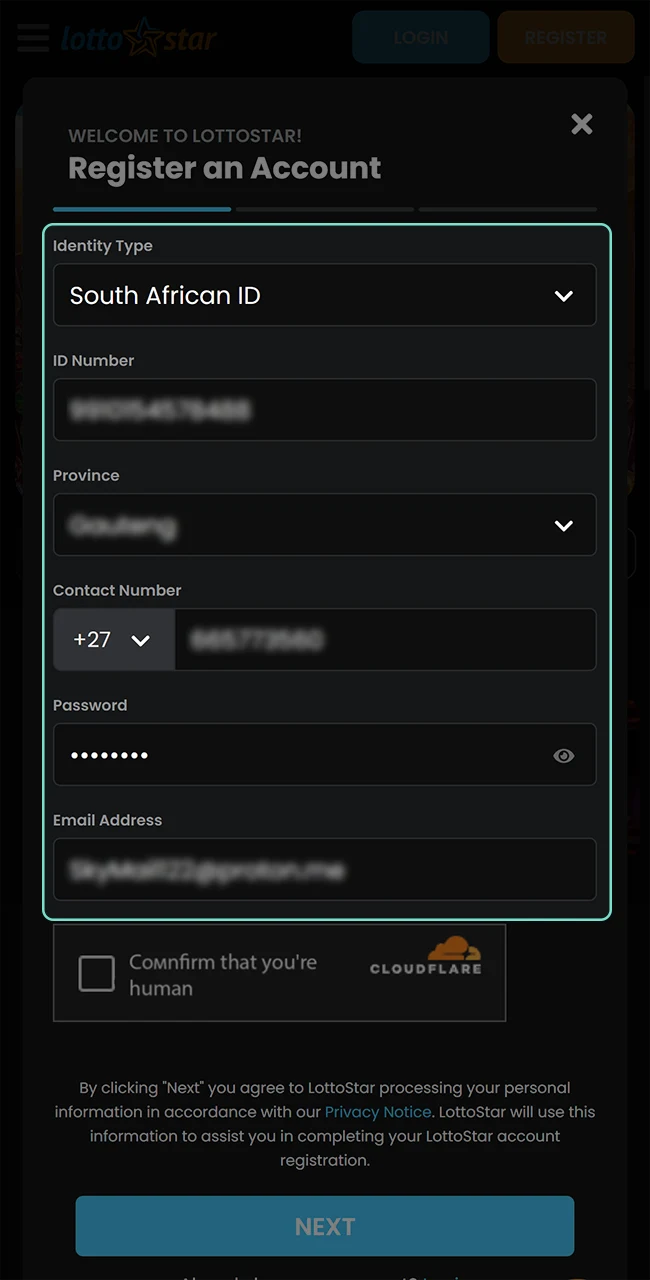
Enter all necessary personal information and create a safe password.
3
Confirm that You’re Human
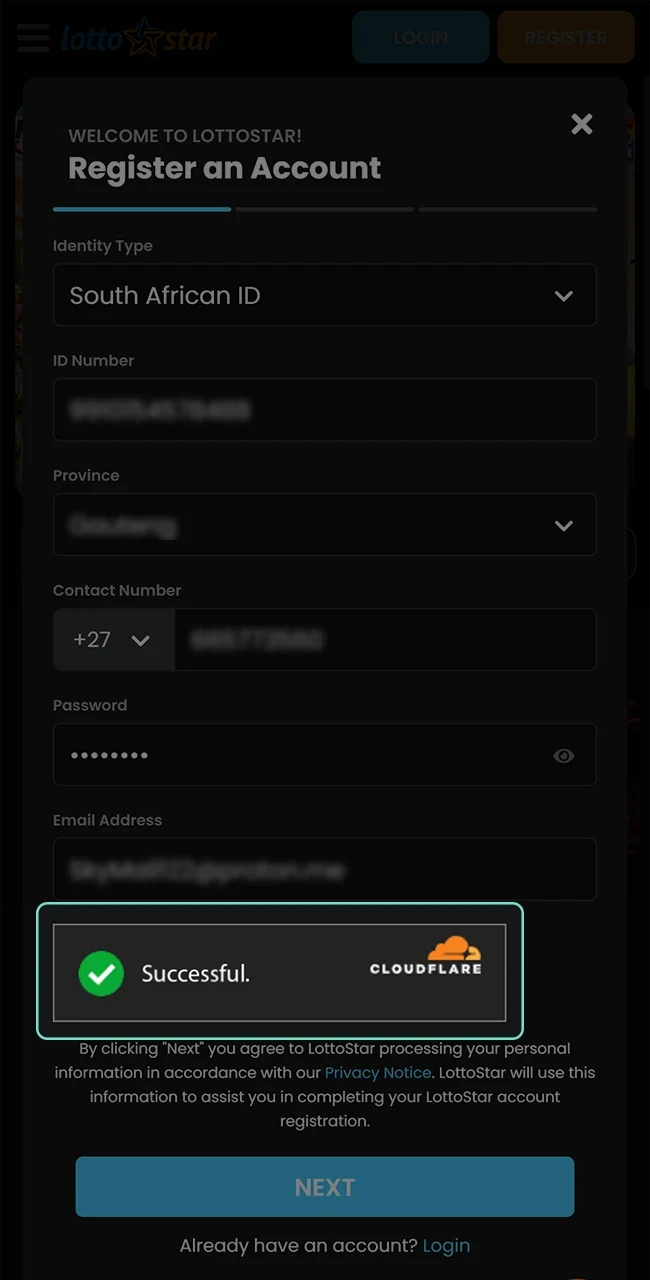
Make a captcha to confirm that you are not a robot.
4
Complete the Registration
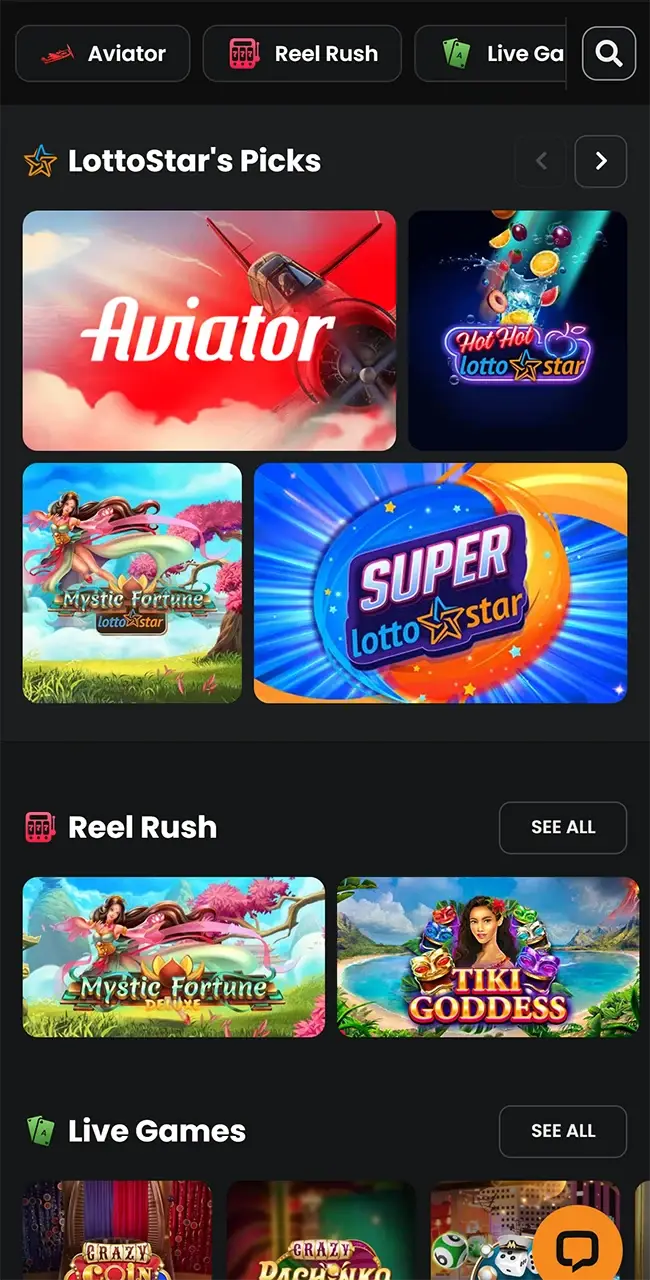
End the process and enjoy the favorite game on the platform.
LottoStar Aviator Bonuses
The brand offers users from South Africa with a wide range of bonuses and promotions. Some of them are available to use in Aviator. You can read about these Aviator bonuses on the table below.
| Bonus Name | Description |
| Registration bonus | It is available only once for new users after registration. It includes a bonus of 100% up to 10,000 ZAR |
Available Deposit and Withdrawal Methods
LottoStar provides users from South Africa with a good variety of payment methods. All of them are flexible and safe. You can read more about them in the table below.
| Payment Method | Min/Max Deposit | Min/Max Withdrawal | Transaction Time (Deposit/Withdrawal) | Fees (Deposit/Withdrawal) |
| Visa | 50 ZAR/1,000 ZAR | 50 ZAR/1,000,000 ZAR | 5–10 minutes/ 2–7 hours | No |
| MasterCard | 50 ZAR/1,000 ZAR | 50 ZAR/1,000,000 ZAR | 5–10 minutes/ 2–7 hours | No |
| PayPal | 50 ZAR/1,000 ZAR | 50 ZAR/1,000,000 ZAR | 5–10 minutes/ 2–7 hours | No |
| Ozow | 50 ZAR/1,000 ZAR | 50 ZAR/1,000,000 ZAR | 5–10 minutes/ 2–7 hours | No |
| OTT Voucher | 50 ZAR/1,000 ZAR | 50 ZAR/1,000,000 ZAR | 5–10 minutes/ 2–7 hours | No |
| Kazang | 50 ZAR/1,000 ZAR | 50 ZAR/1,000,000 ZAR | 5–10 minutes/ 2–7 hours | No |
| EasyLoad | 50 ZAR/1,000 ZAR | 50 ZAR/1,000,000 ZAR | 5–10 minutes/ 2–7 hours | No |
| MTN | 50 ZAR/1,000 ZAR | 50 ZAR/1,000,000 ZAR | 5–10 minutes/ 2–7 hours | No |
How to Withdraw Money from Lottostar?
Lottostar provides convenient withdrawal of funds in just a few clicks. To successfully complete the transaction, users from South Africa should follow the steps below:
- Go to the official Lottostar website. Click on the Play Aviator button located above in this article.
- Log in to your account. Authorize yourself in the system or create a new profile.
- Find the “Withdrawal” tab. Go to your profile settings and click on “Withdraw funds.”
- Select an option. Click on the method you want to use to withdraw funds from the platform.
- Enter the amount. Specify the desired amount in ZAR and submit your request.
- Receive your payment. The money will be credited to your account within the period specified on the Lottostar website.
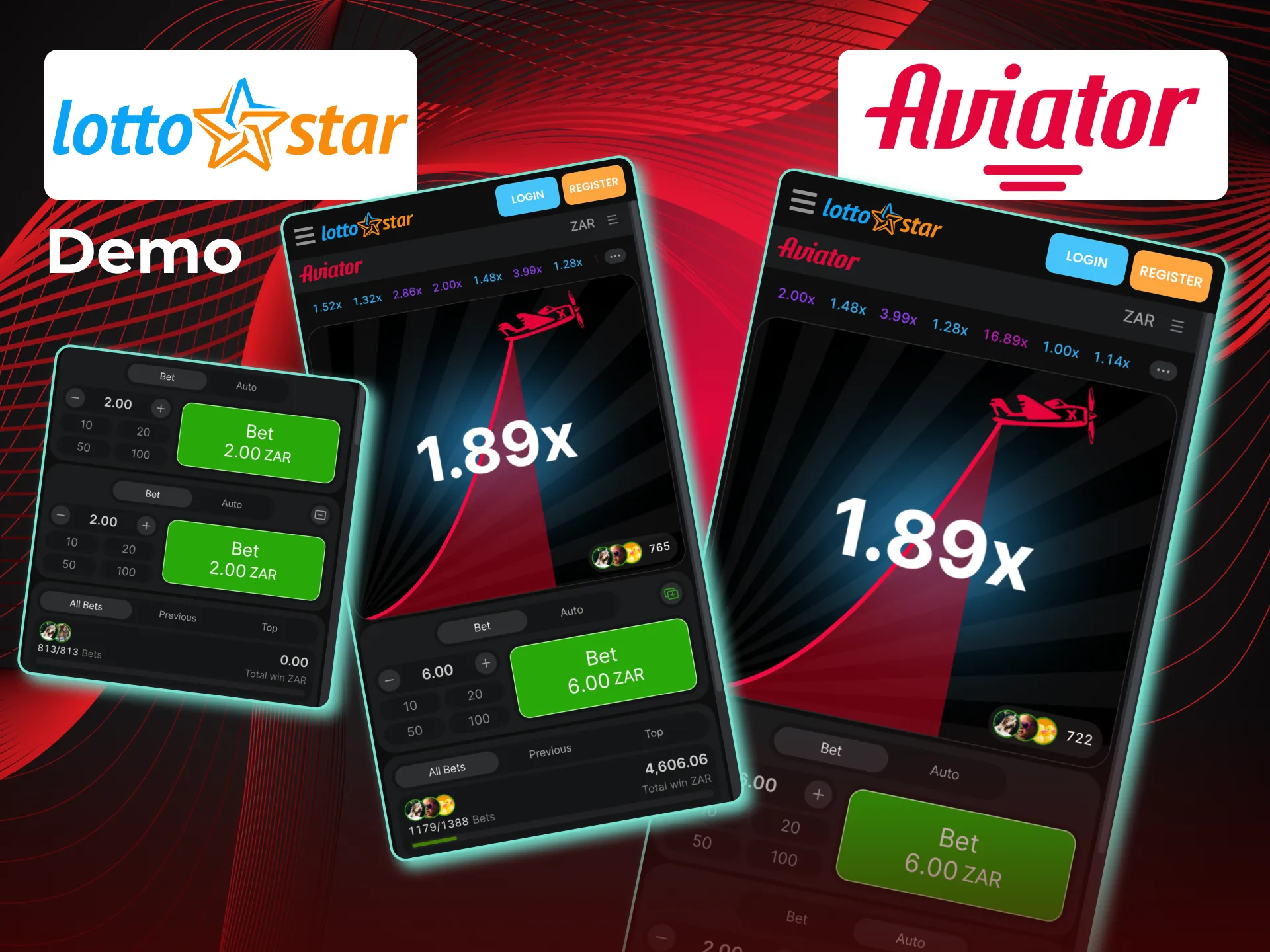
Aviator LottoStar Demo
LottoStar gives a special opportunity to play Aviator in demo mode. This version of the game doesn’t require any real bets. You can easily test some tactics and get more gambling experience with it. You don’t need to make a deposit and be nervous about losing funds.
LottoStar Aviator App
To provide users from South Africa with the fastest access to Aviator, LottoStar offers a special PWA, Progressive Web Application. It is an icon of the brand on your home screen by clicking on it you can go to the official website. Aviator app is available both for Android and IOS. There are some instructions on how to install it.
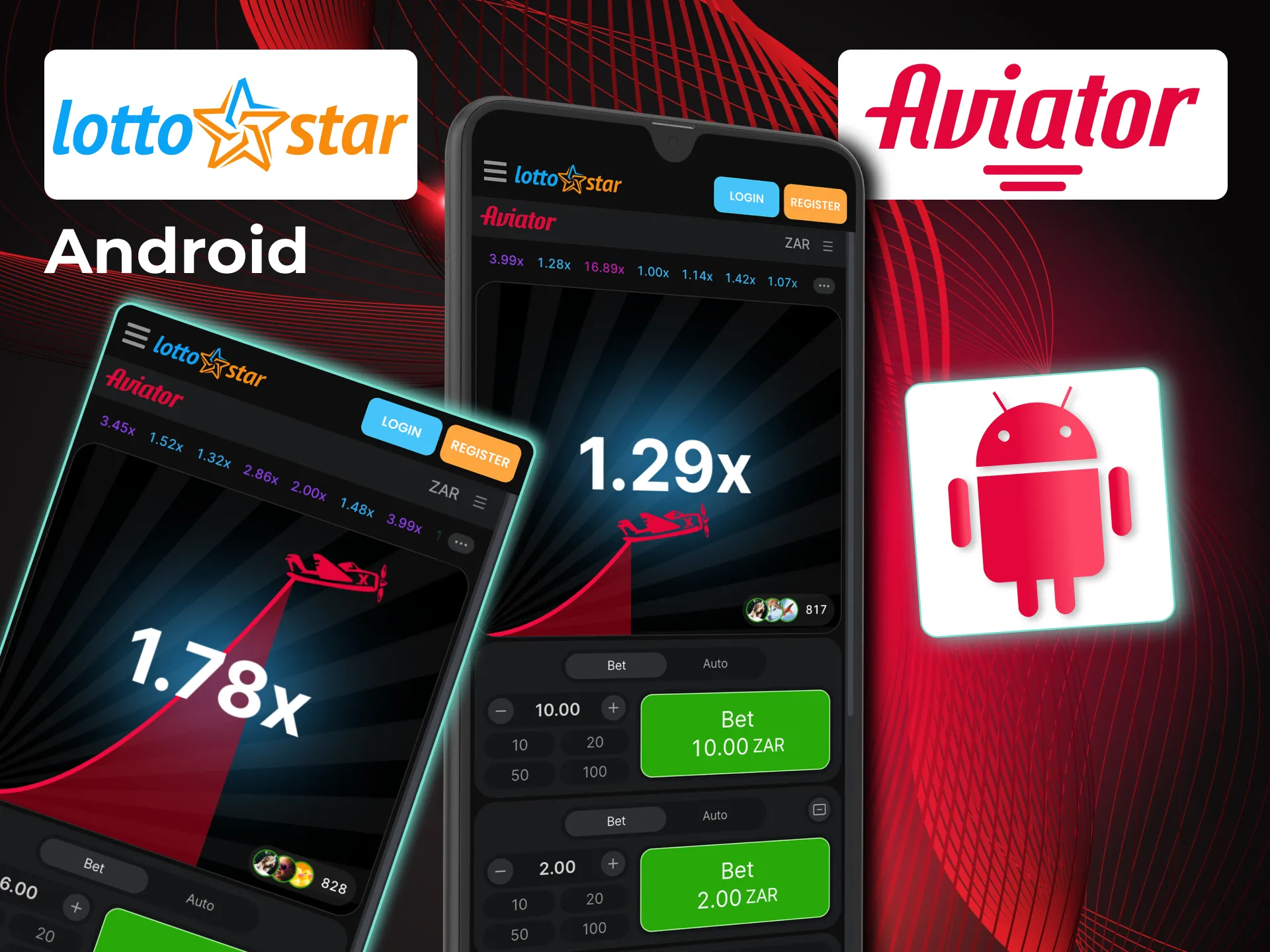
LottoStar Aviator Download on Android
To download LottoStar PWA on Android, you need to follow certain steps:
- Visit the website. You can do it with any browser.
- Click on the settings of your browser. You need to click on the button with three dots in the top right corner of your screen.
- Install the app. Now, it is necessary to click on the button “Add to the main screen”.
- End the installation. Finally, you can confirm the process and enjoy our app.
Lotto Star IOS PWA
There are some steps on how to install LottoStar PWA on IOS devices:
- Visit the website. You can do it with any browser.
- Go to the installation window. It is necessary to click on the central button in the lower panel of the main menu.
- Install the app. Now, you can click on the button “Add to the home screen”.
- Finish the procedure. You need to confirm the installation and finish it.
Is LottoStar Aviator Legal in South Africa?
LottoStar is a legal and safe casino for users from South Africa. It is licensed and regulated by the Mpumalanga Economic Regulator. There is also the Curaçao Gaming license that gives a chance to offer the services all over the world. The brand has its own terms and conditions. It is the list of the rules that regulate all processes on the platform. You must read and agree with them during the registration.
LottoStar Contacts and Customer Support
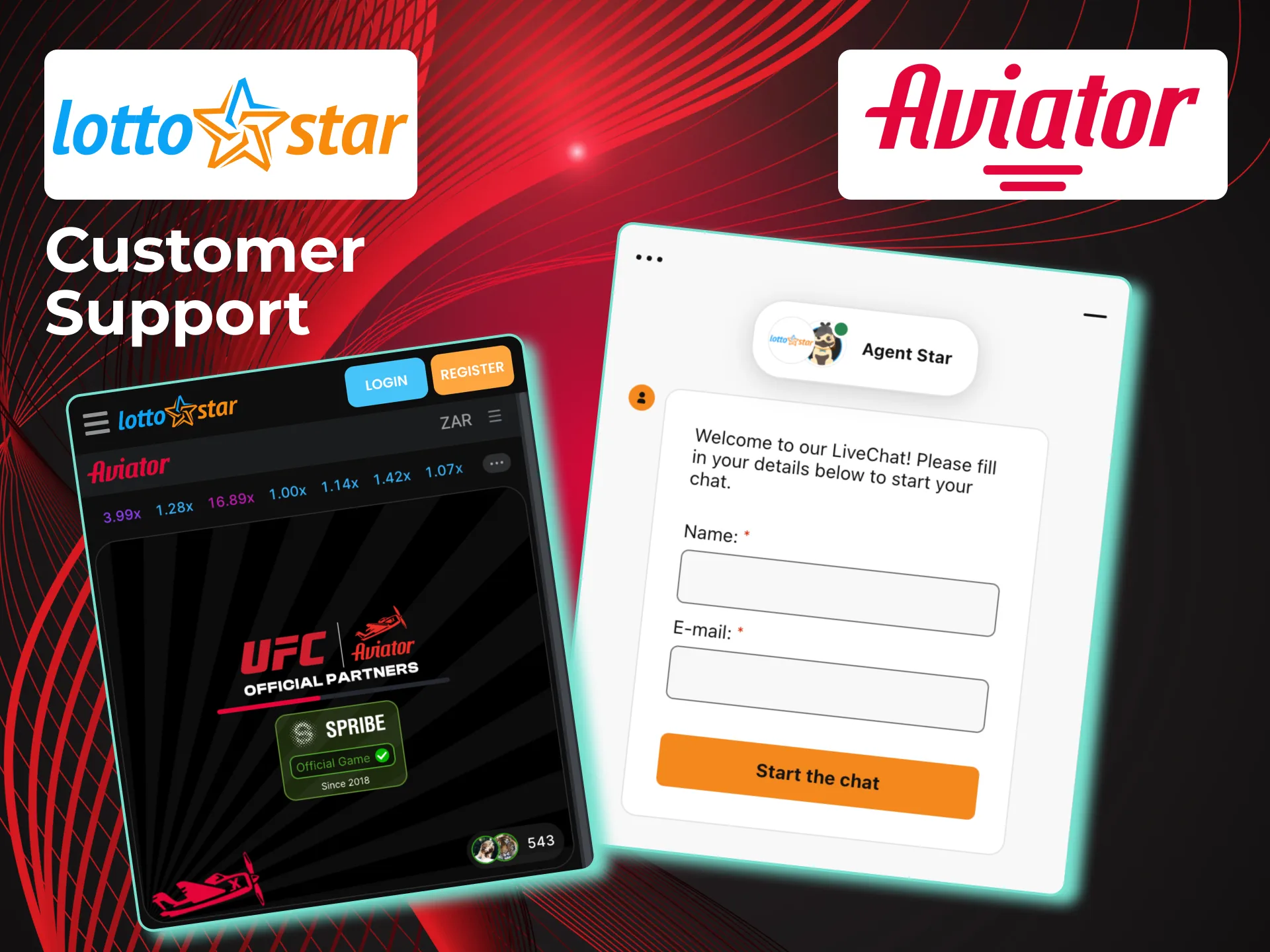
The brand is always open to help its users to solve different problems. It is the reason for the good variety of ways to contact and get customer support. You can contact the brand to get help by the following methods:
- 24/7 live chat on the website;
- email [email protected];
- telephone number 0860267777.
FAQ
What Are the Rules of the LottoStar Aviator Game?
You need to place a bet, then the airplane takes off with your bet multiplier, and you need to return your winnings before the airplane falls. Otherwise, you will lose your funds.
Can I Play the Aviator Game on a Mobile Device?
Yes, it is available to play aviator through our mobile-adapted version of the website.
Is the Aviator Game Reliable and Impartial?
Yes, Aviator is a reliable and impartial game. The RTP is 97%.

Updated:
Comments